Workout planning
Build the training week you want.
Planning in FIREFUL is about deciding what you will train and how it fits together. Build individual routines, organize a full plan, and schedule the sessions ahead of time.


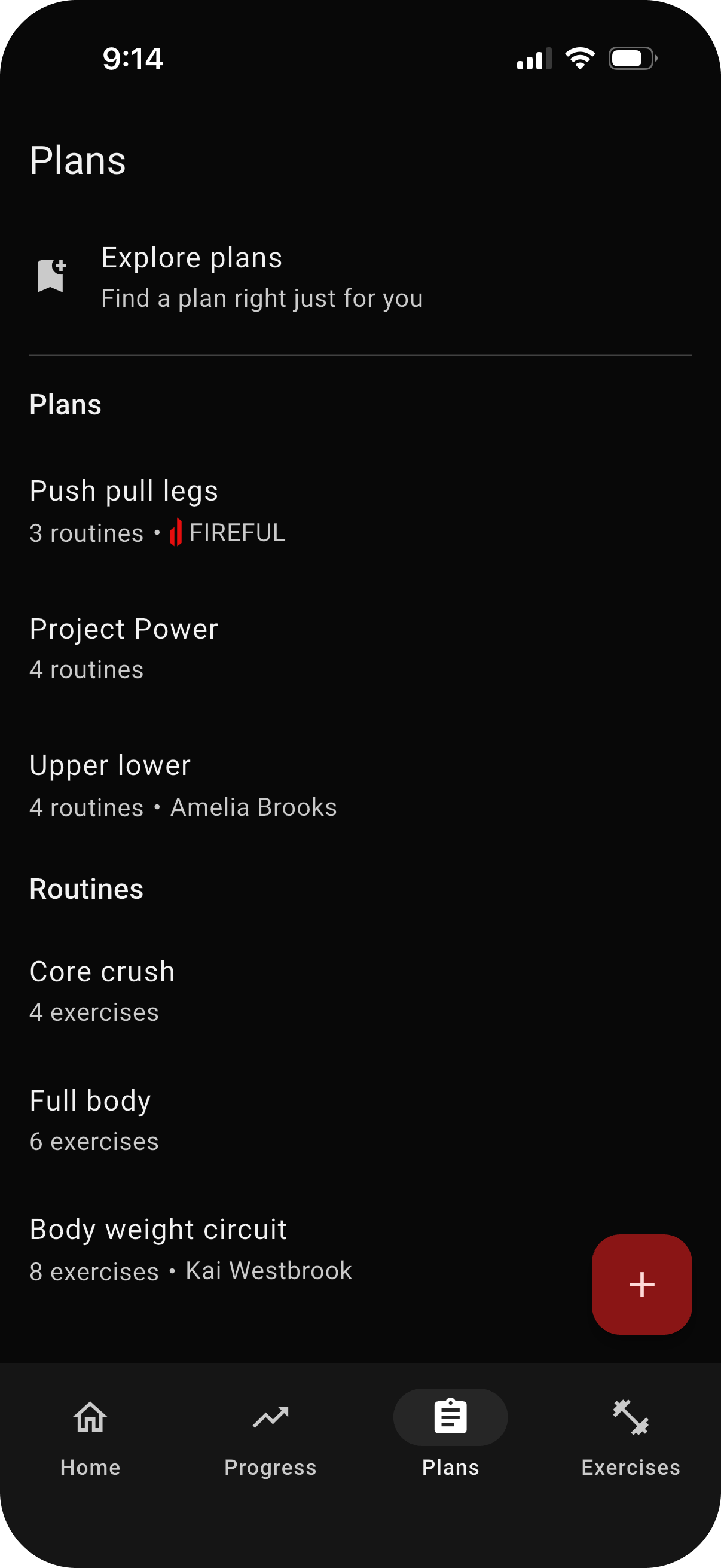
Create routines you can use again
Build a workout once, choose the exercises, and keep it as a reusable routine. A clear routine makes it easy to start the session you intended instead of rebuilding it at the gym.
You can also create a new routine from a past workout when you want to reuse a session that worked well.
Plan and schedule your training week
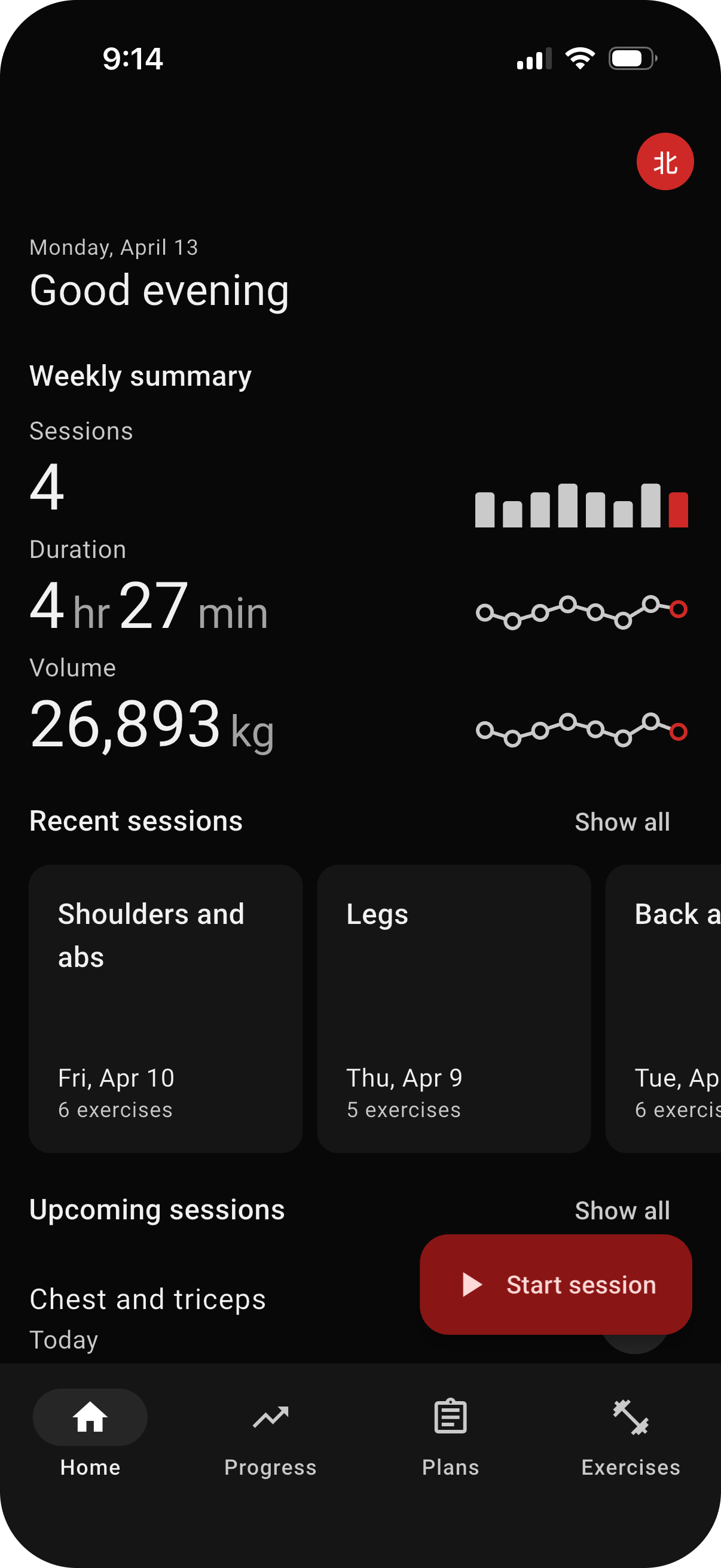
Group routines inside a plan to organize training across several days. When the week is ready, choose a date for each routine and schedule the entire plan. Upcoming sessions then appear on the FIREFUL home screen.
You can also schedule one routine or create a workout for a date you choose. Plans can be shared with friends and followers when you want others to use the same setup. Scheduling an entire plan is available with FIREFUL Pro.
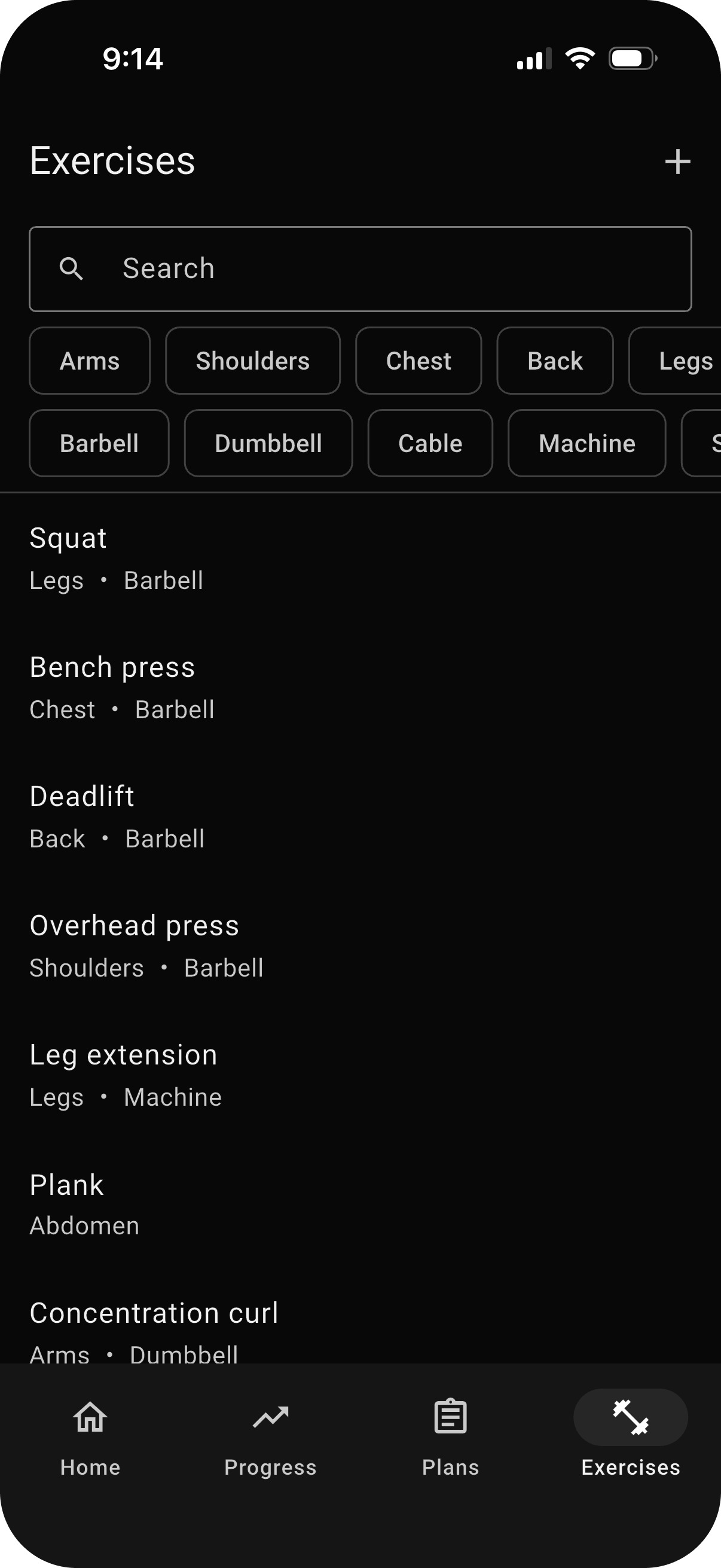
Choose from the library or add your own
Search FIREFUL's exercise library and filter movements by muscle group or equipment. If your variation is not there, create a custom exercise and include it in your routine.
The library gives common movements a consistent place in your history, while custom exercises keep the plan true to the way you train.
Start from a FIREFUL plan
You do not have to begin with a blank page. Browse FIREFUL's existing workout plans for a useful starting structure, then bring the plan into the app and adapt it to your preferences.
Explore the workout plan library to compare routines and weekly training frequency before choosing a plan.

Give your next week a clear plan.
Create your own routines in FIREFUL or explore an existing plan to get started.