Workout programming
Program every set your way.
Once you know what you want to train, FIREFUL helps define the work inside the session: sets, repetitions, effort, exercise order, rest, and loading.


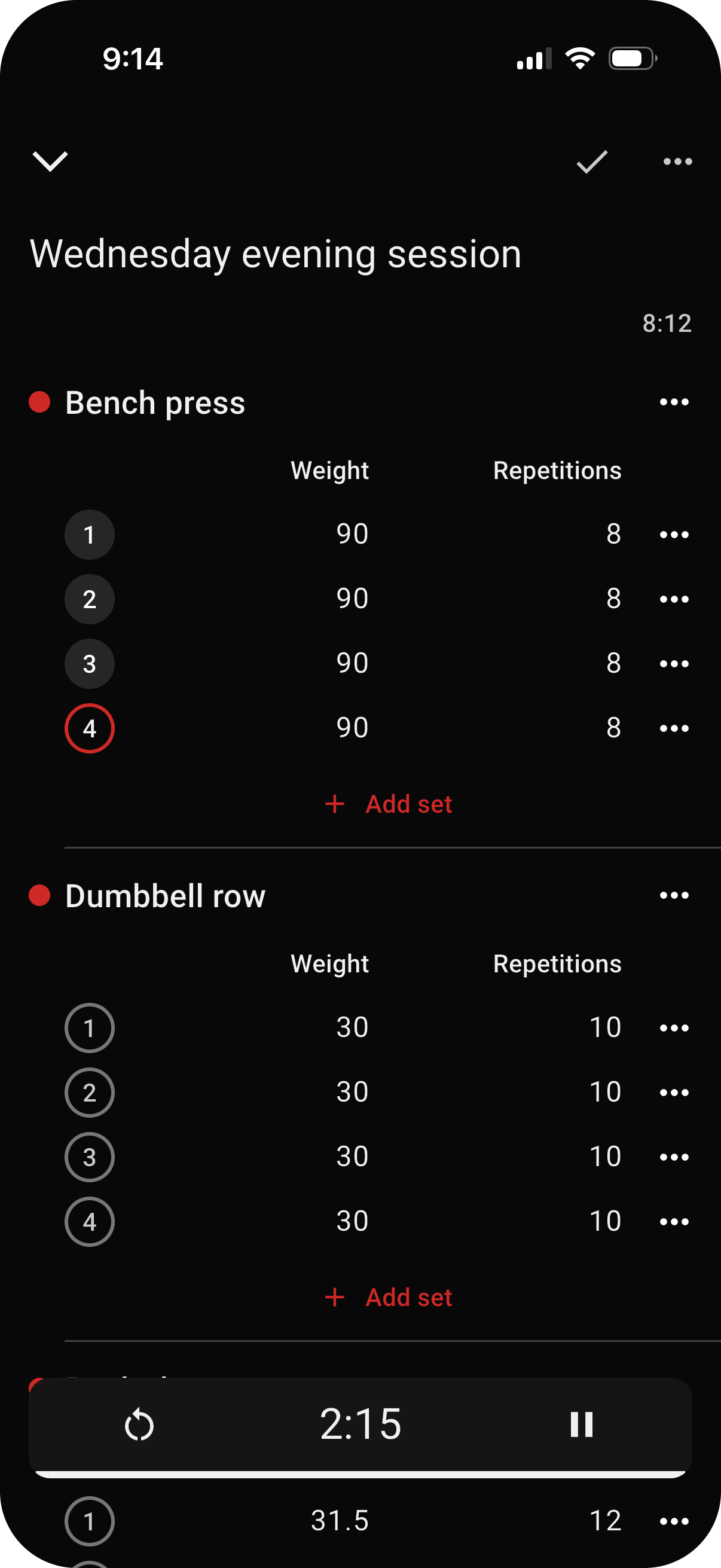
Sets, reps, and effort belong together
Set the work an exercise calls for with weight and repetitions, then use RPE or RIR when the target should also describe effort. During the workout, FIREFUL keeps the programmed target beside the set you are logging.
RPE describes perceived exertion; RIR describes the repetitions you expect to have left. Use the method that matches your program.
Build supersets and manage rest
Combine exercises into supersets when they should be performed one after another. Rest settings and the workout timer then keep the planned break visible between completed sets.
Group exercises into supersets so FIREFUL keeps them together throughout the workout.
Create warm-up sets automatically
FIREFUL can automatically create warm-up sets based on the working weight you are preparing to lift. That gives you a progression toward the main sets without manually adding and calculating every warm-up set.
Automatic warm-up creation uses the working weight already set for the exercise and is available with FIREFUL Pro.
Base Weight turns percentages into working weights
Set a Base Weight, also known as a Training Max, and set a working weight as a percentage of that value. FIREFUL converts the percentage into the weight used in the workout.
When the Base Weight changes, weights based on percentages throughout the workout plan adjust with it. This feature is available with FIREFUL Pro.

Program the work. Then focus on the set.
Build a workout in FIREFUL with the detail your training calls for.