Progress tracking
See the work adding up.
A single workout tells you what happened today. FIREFUL connects sessions, exercise history, charts, and records so you can see how your training changes over time.


See your training over time
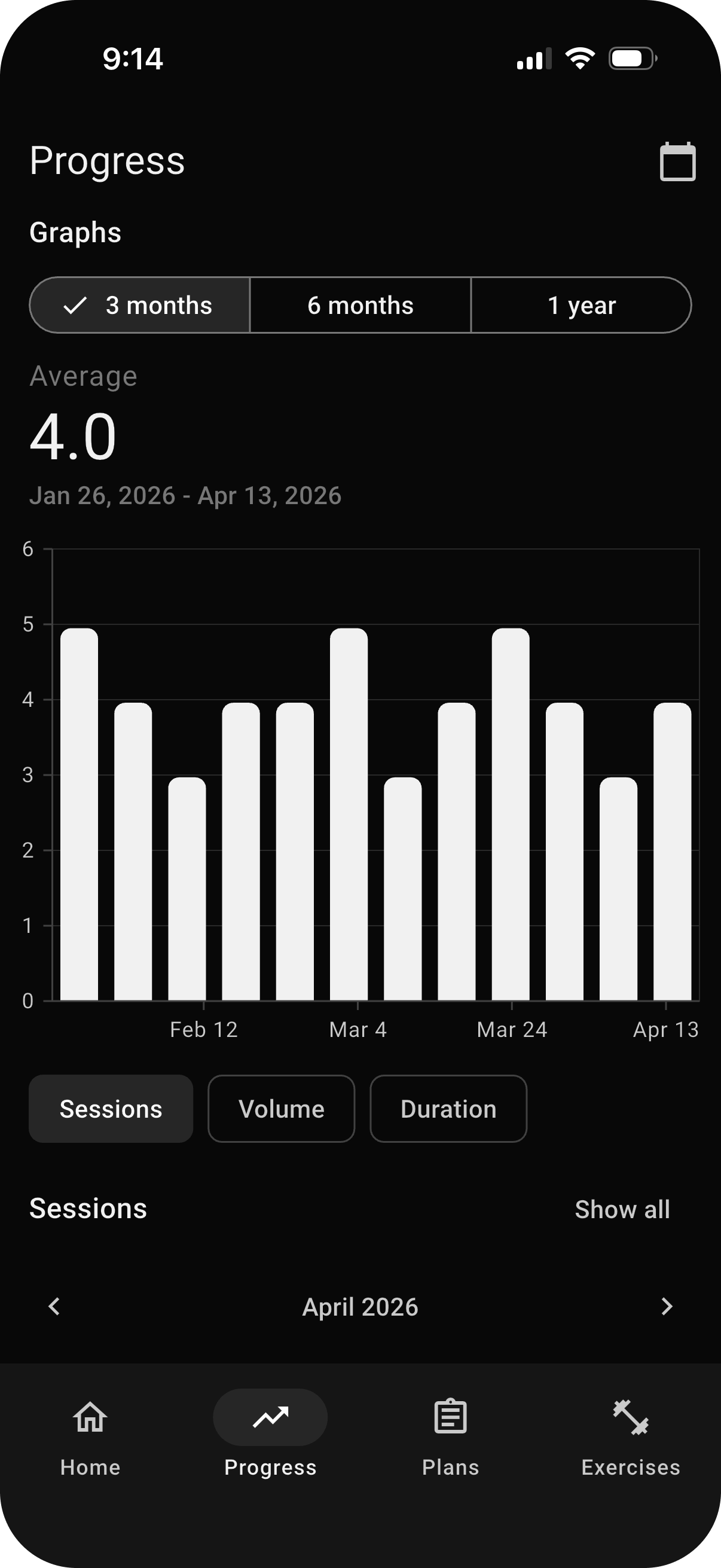
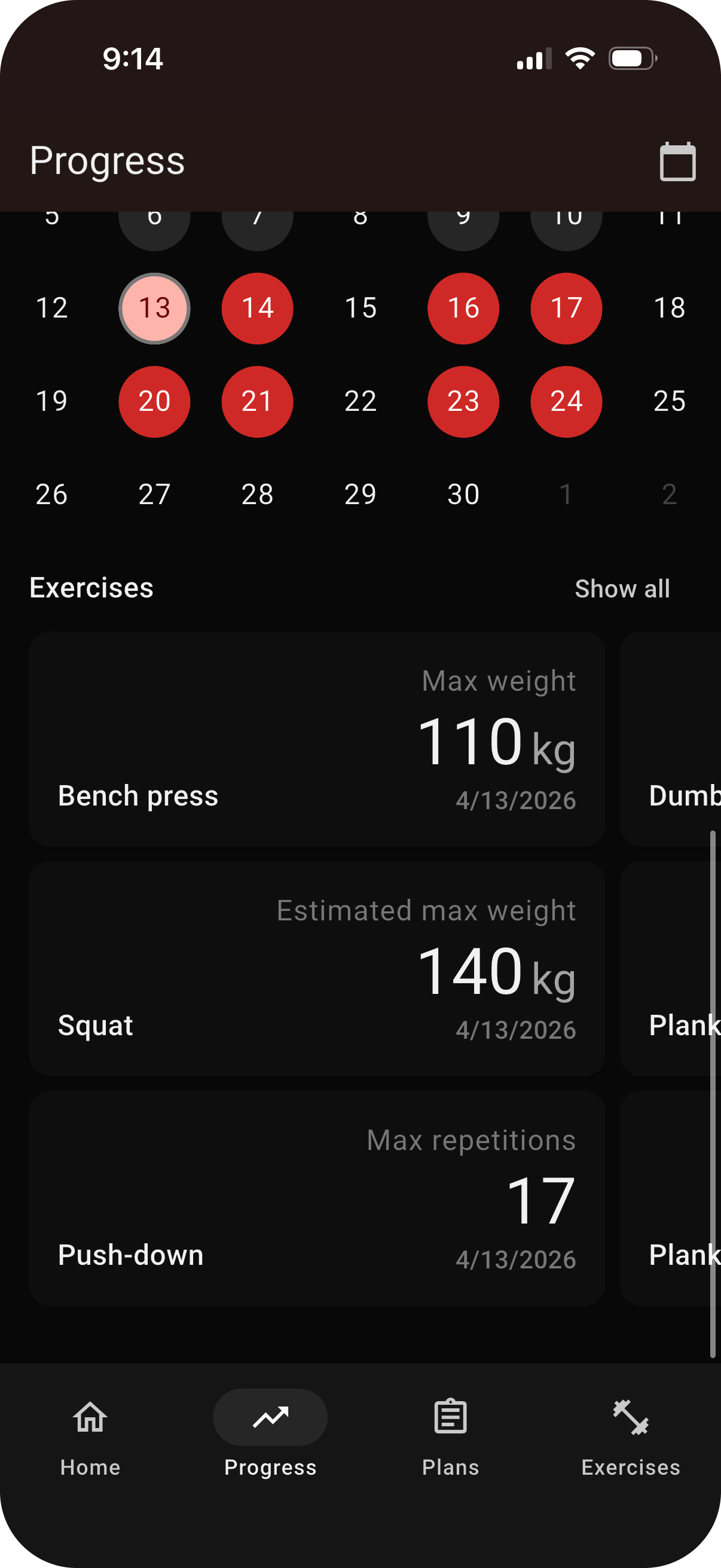
The Progress screen charts sessions, total volume, and workout duration across selectable time periods. It gives you a clear view of training frequency and workload without reducing progress to a single number.
Switch between 3 month, 6 month, and 1 year views to put recent training in context.
Follow an individual lift over time
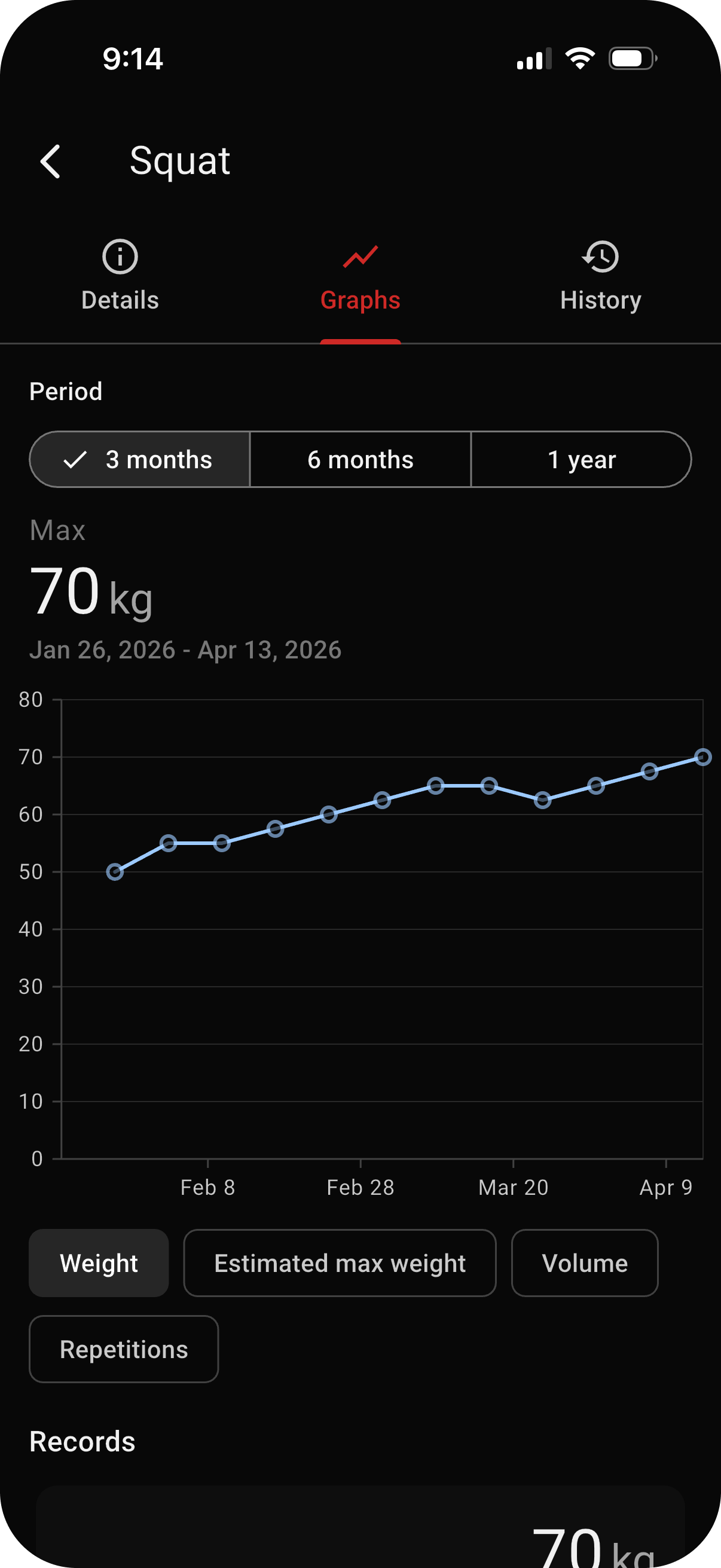
Open an exercise to review its own history and charts. Track changes in weight, repetitions, volume, and estimated one rep max instead of searching through every completed workout.
The history for each exercise answers a simple question clearly: what did I do last time, and how does it compare?
Personal records that stay tied to the exercise
FIREFUL records milestones such as maximum weight, estimated 1RM, and repetition records for individual exercises. Recent records also appear on the Progress screen for a quick overview.
Estimated 1RM is shown as an estimate, separate from the heaviest weight you have actually logged.
History you can use in the next session
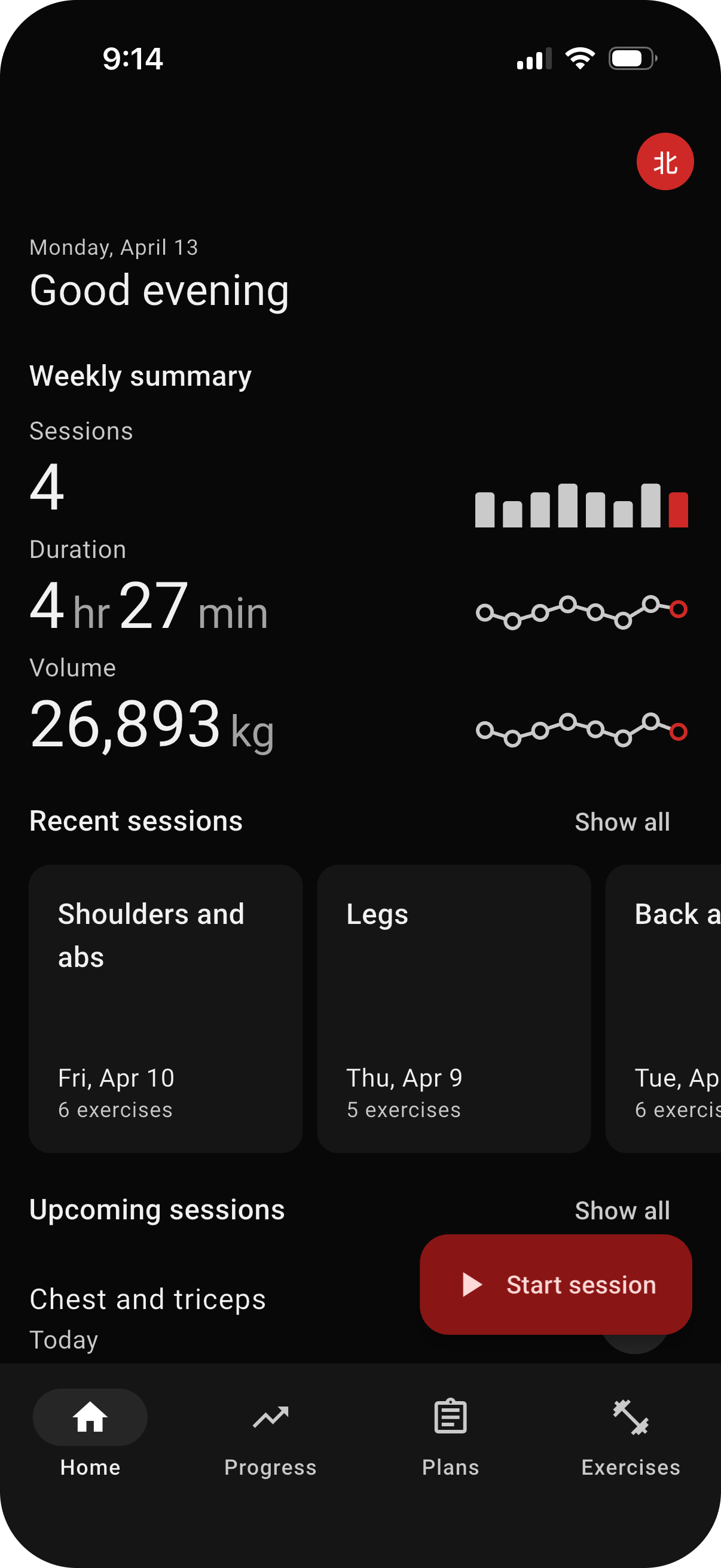
Review completed sessions from the home and Progress screens, then open the history for a specific exercise when you need more detail. Recent performance can also provide suggested weights, repetitions, and durations while logging.

Make your training history useful.
Log your next workout in FIREFUL and give every future session more context.